The GlowBack library
A little clarity. For your everyday.
Find a guide for your medication, learn how to keep useful records, compare tracking apps, or start with a free blank sheet.
Made for your everyday
Explore what you can track
See how the records fit together, with clear details about each feature and its limits.
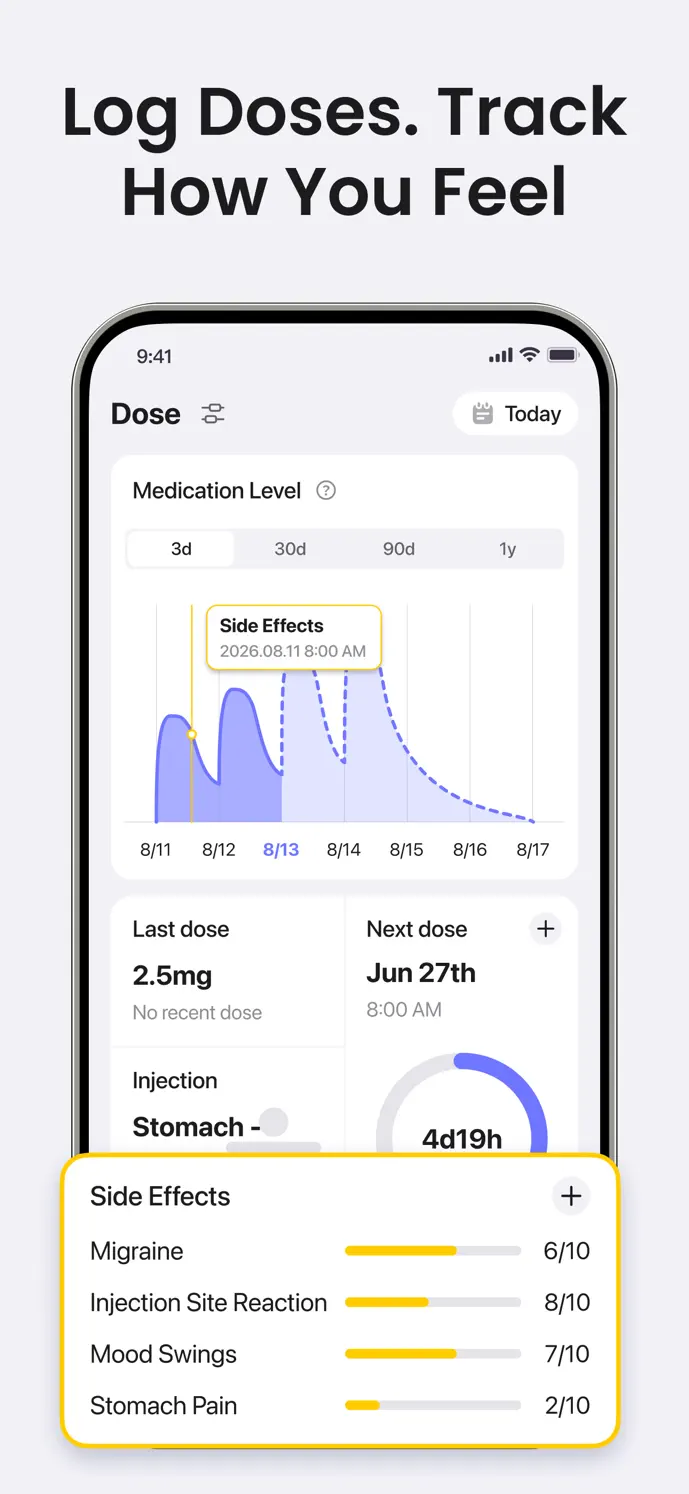
Your GLP-1 injection history, in one place.
Keep a GLP-1 injection log with dose, date, time, site, and notes. See how GlowBack organizes your shot history, reminders, and medication-level estimates.
ExploreA clearer record of how you felt.
Record GLP-1 symptoms with a date, time, and 0–10 severity score. Use GlowBack to keep a clearer symptom history alongside your recorded doses.
Explore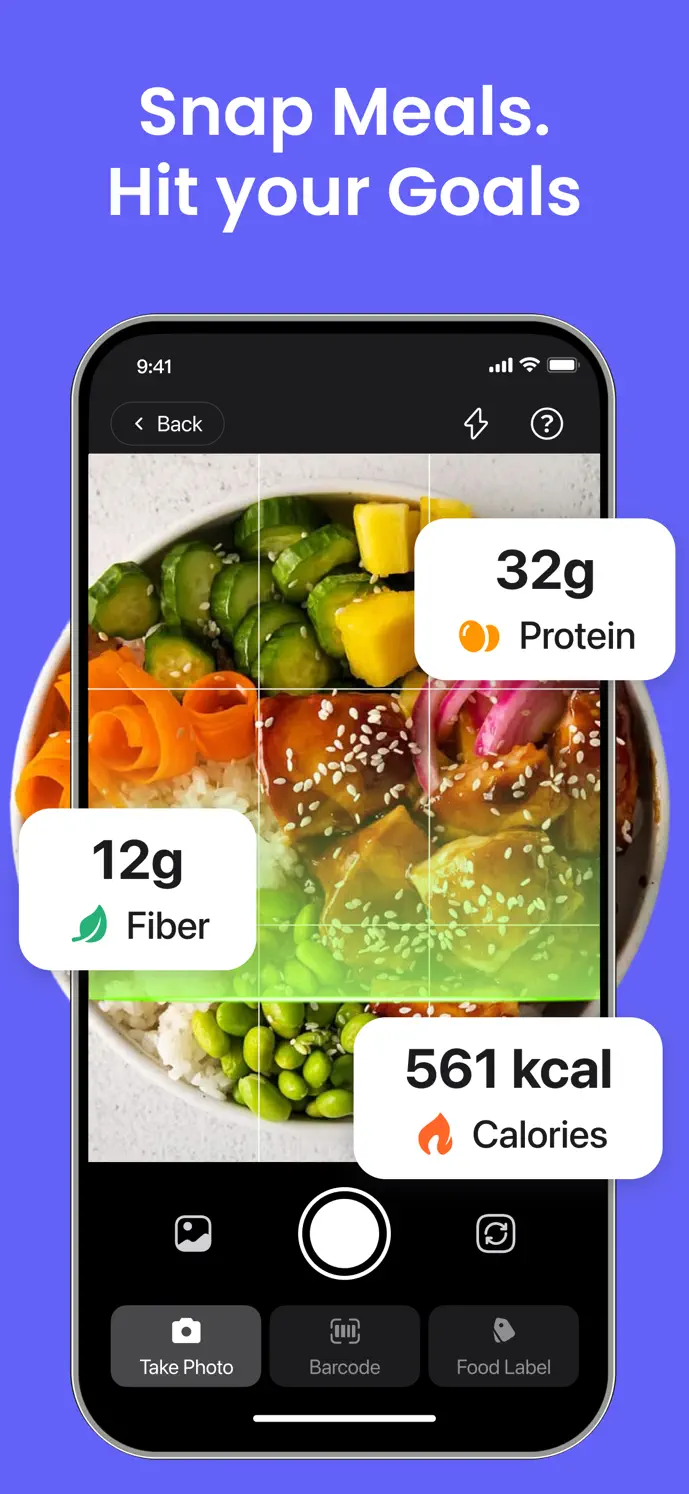
Keep your meals and daily nutrition together.
Log meals by photo, barcode, label, or manual entry. Review portions and keep calories, protein, fiber, and water visible in your GlowBack routine.
Explore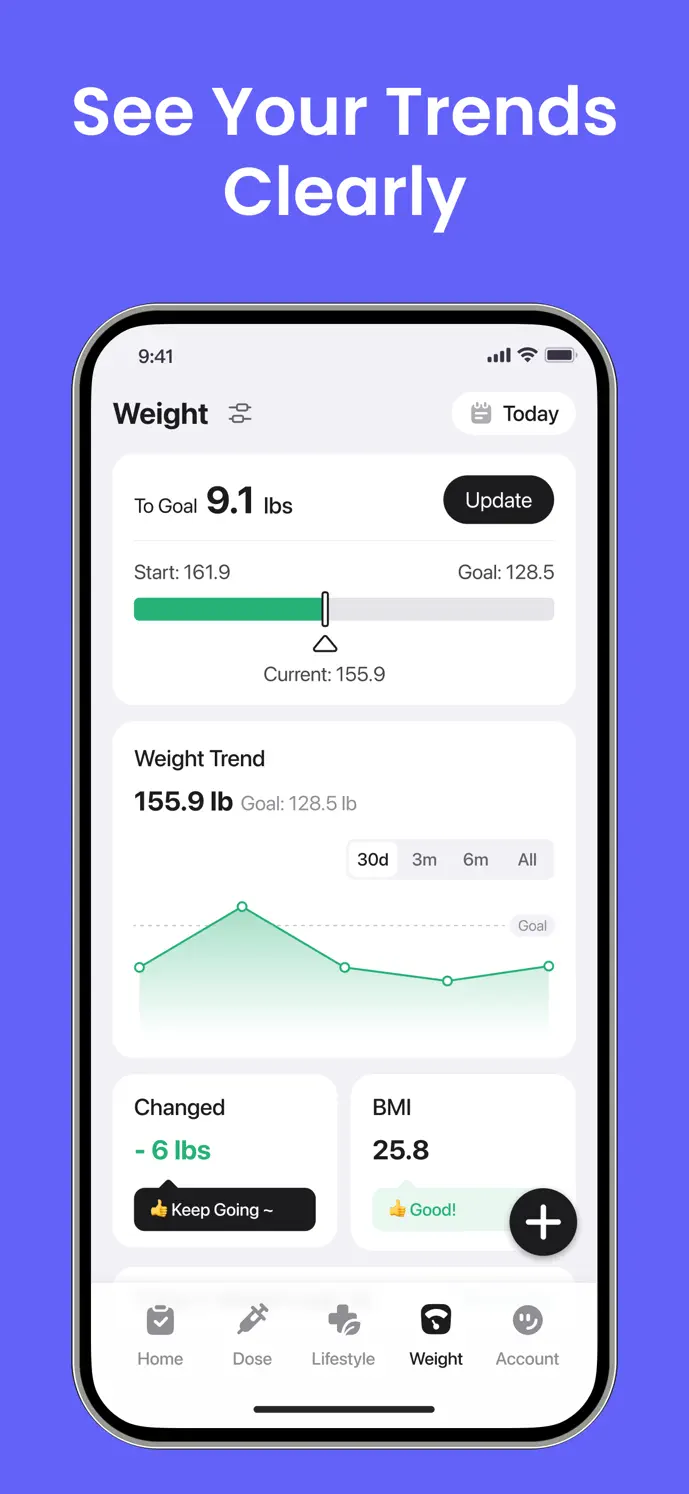
Give your progress a longer view.
Keep dated weight records, review trends, and organize progress photos in GlowBack. Learn how weight logging, Body Journey, and time ranges work.
ExploreYour medication
Track the medication you use
Find a recording guide for your medication, with the details to keep and the limits to understand.
Wegovy tracker: keep the right record for your routine.
Use GlowBack as a Wegovy tracker to record injections, dates, sites, symptoms, and progress. Keep injection and pill records distinct and correct entry mistakes.
ExploreOzempic tracker: make your history easier to follow.
Keep an Ozempic injection history in GlowBack. Record actual dates, times, doses, and sites, add earlier entries, and review weight and symptoms alongside your log.
ExploreMounjaro tracker: keep doses and observations together.
Record Mounjaro injections and dated symptoms in GlowBack. Keep personal severity scores, review your history, and prepare clear observations for an appointment.
ExploreZepbound tracker: a clear record, one entry at a time.
Track Zepbound injection records in GlowBack with actual dates, doses, sites, and notes. Keep reminder settings separate from completed events and review your history.
ExploreA clearer starting point
Guides for your routine
Practical ways to get started, organize reminders, and review your records in GlowBack.
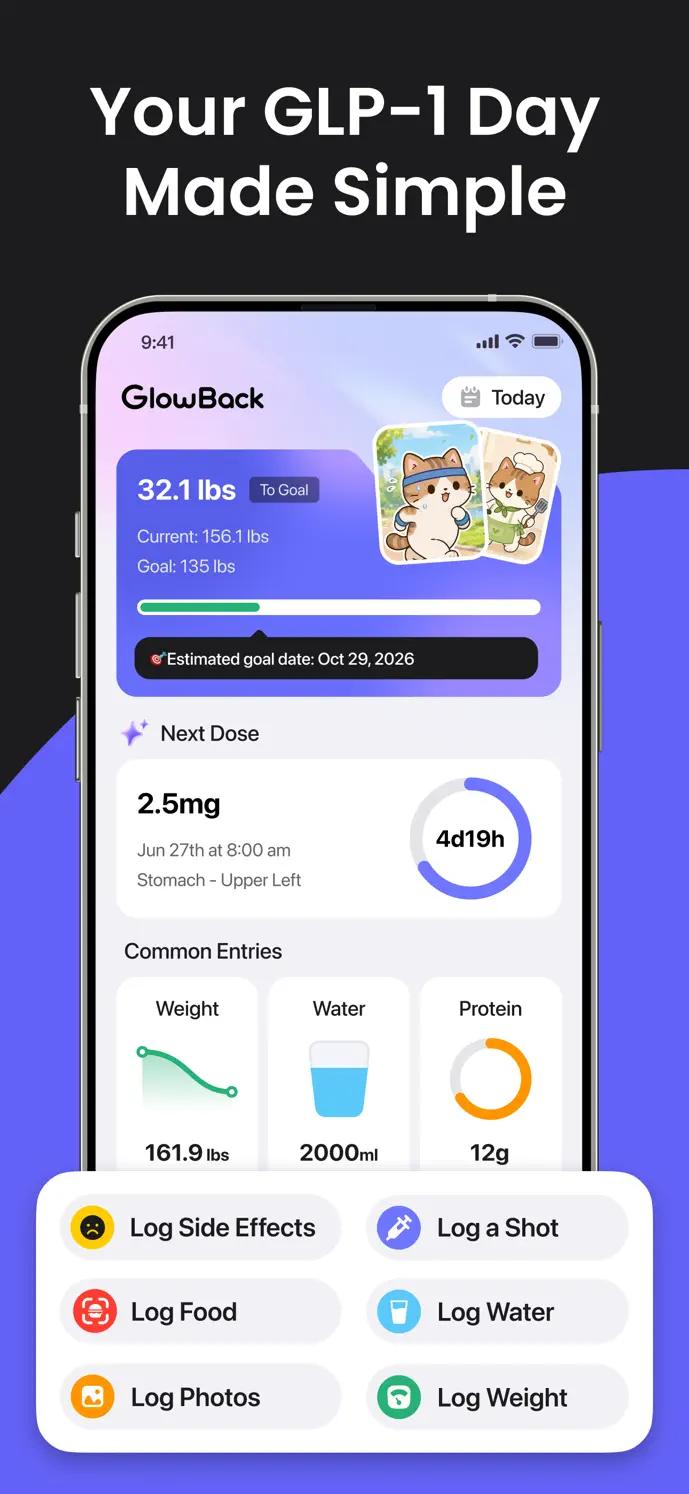
Your first week and month of GLP-1 tracking.
Build your first week and month of GLP-1 tracking with a practical checklist for dose records, symptoms, meals, weight, and reminders in GlowBack.
ExploreReview your tracking history before you share it.
Check dates, units, symptoms, and weight before a care conversation. Understand GlowBack’s version-dependent PDF/CSV export and other ways to share a summary.
ExploreKeep reminders and injection-site history easy to check.
Set up GlowBack reminders around your prescribed schedule, check notification permissions and times, and keep injection-site records for later review.
ExploreChoose your app
Compare your tracking options
Check platforms, recording features, and plan details before you choose.
GlowBack vs Shotsy: choose around your routine.
Compare GlowBack and Shotsy using official product information: platforms, dose and symptom logs, nutrition, progress, languages, and plan limits.
ExploreGlowBack vs MeAgain: choose around your routine.
Compare GlowBack and MeAgain using official product information: platforms, dose and symptom logs, nutrition, progress, languages, and plan limits.
ExploreReady to use
Start with a simple tracking sheet
Download a blank spreadsheet or print a tracking sheet to organize your records.
Know before you begin
Product details & help
Understand membership, platform availability, and the people behind GlowBack.
What does the medication-level estimate mean?
Learn what GlowBack’s medication-level curve uses, why it changes when you edit a dose, and why an estimate cannot measure your blood level or guide dosing.
ExploreA place to keep your GLP-1 routine together.
Meet GlowBack, a personal GLP-1 tracking app for doses, symptoms, food, weight, and progress photos. Learn what it does and how to contact the team.
ExploreHelp with your GlowBack app.
Get help with GlowBack accounts, synchronization, paid features, permissions, and app records. Contact the team at hello@metainnovation.site.
ExploreGlowBack helps you organize personal records. These resources explain the app; they do not replace medical advice or your healthcare professional’s instructions.